Citiverse è uno spazio aperto a tutte le comunità. Se vuoi aprire un gruppo locale o una sezione per la tua organizzazione, puoi contattare gli amministratori: pagina dei contatti.
[vent/rant] I was only trying to help dad
-
I hadn't seen my dad for a whole year - God have mercy on my lazy ass - and now that I was going to see him, he asked me to help him factory reset his laptop (some Lenovo running Microslop). He could've done it by himself technically speaking, but he knows that I'm knowledgeable when it comes to tech, so why not.
Oh. My. FUCKING. God.
I hadn't "used" Microslop Shitdows for five or so years, Windows 10 at the time. I had been following some news - and posts here too - so I knew to expect some bullshit, but...

- It doesn't let you install without an internet connection PERIOD. I even disabled the wireless NIC in the hopes that it would let me USE THE COMPUTER THAT MY DAD HAD PAID FOR but no. "Install drivers" or "contact support", it said.
- It doesn't accept CLI hotkeys. Mkay...
- It (being Lenovo in collaboration with Microslop, I guess, not Microslop on its own) doesn't allow you to boot from a USB stick. I imaged a USB stick with a Windows 10 ISO, even bought an activation key at Kinguin, but no. Just no. The BIOS doesn't let you to change boot order, the recovery mode - EVEN THOUGH IT HAS THE OPTION TO BOOT FROM REMOVABLE MEDIA - simply jumps back to the stock installation upon choosing "boot from USB".
- Finally, after giving up and connecting to the internet, setting up a fake account, it wouldn't let me proceed unless I turned off my VPN.
Only after having been force fed the Microslop setup, I finally was able to nuke it with Cris Titus' Windows utility and then setup an offline account.
At least my dad is happy with the laptop. That's all that matters. I gave him Librewolf with uBlock and Libre Office. And mad respect for him saying before point four above, that he'll let me slap Linux onto it if nothing else works. 🩵 Which of course wouldn't work since booting from removable media is disabled in the firmware, but still. Love you dad. 🩷
Rant over.
PS: he did give me permission to unscrew the bottom and have a look inside, so I will try to replace the SSD (if it's M.2) and possibly flash Libreboot if the model is among their officially supported laptops.
OP has a righteous rant.
It's why we must never give up control of Linux to BigTech. It's OSS, yah... But there are lotsa ways they can weasel. Ex, see Google's h/w attestation. Or co's trying to monopolize the ecosystem. Or legal attacks. Or subtle ways to wrestle control, that most ppl won't recognize until its too late.
There are LOTS of important contributions to Linux by big tech co's. That's fine and good. We need that! But that's as far as we can let it go. Contributions, good. Taking control, bad.
Linux is a tempting target, since it isn't yet vassalized. Vigilance is critical.
-
I hadn't seen my dad for a whole year - God have mercy on my lazy ass - and now that I was going to see him, he asked me to help him factory reset his laptop (some Lenovo running Microslop). He could've done it by himself technically speaking, but he knows that I'm knowledgeable when it comes to tech, so why not.
Oh. My. FUCKING. God.
I hadn't "used" Microslop Shitdows for five or so years, Windows 10 at the time. I had been following some news - and posts here too - so I knew to expect some bullshit, but...
- It doesn't let you install without an internet connection PERIOD. I even disabled the wireless NIC in the hopes that it would let me USE THE COMPUTER THAT MY DAD HAD PAID FOR but no. "Install drivers" or "contact support", it said.
- It doesn't accept CLI hotkeys. Mkay...
- It (being Lenovo in collaboration with Microslop, I guess, not Microslop on its own) doesn't allow you to boot from a USB stick. I imaged a USB stick with a Windows 10 ISO, even bought an activation key at Kinguin, but no. Just no. The BIOS doesn't let you to change boot order, the recovery mode - EVEN THOUGH IT HAS THE OPTION TO BOOT FROM REMOVABLE MEDIA - simply jumps back to the stock installation upon choosing "boot from USB".
- Finally, after giving up and connecting to the internet, setting up a fake account, it wouldn't let me proceed unless I turned off my VPN.
Only after having been force fed the Microslop setup, I finally was able to nuke it with Cris Titus' Windows utility and then setup an offline account.
At least my dad is happy with the laptop. That's all that matters. I gave him Librewolf with uBlock and Libre Office. And mad respect for him saying before point four above, that he'll let me slap Linux onto it if nothing else works. 🩵 Which of course wouldn't work since booting from removable media is disabled in the firmware, but still. Love you dad. 🩷
Rant over.
PS: he did give me permission to unscrew the bottom and have a look inside, so I will try to replace the SSD (if it's M.2) and possibly flash Libreboot if the model is among their officially supported laptops.
Very on-topic: https://loops.video/v/gGFPxjD8Kz
-
Very on-topic: https://loops.video/v/gGFPxjD8Kz
IT'S THE SMELL

-
Sure but at least it is mostly functional and secure...
If you consider them screenshotting your screen every few seconds and storing it in a database somewhere else secure
-
If you consider them screenshotting your screen every few seconds and storing it in a database somewhere else secure
Fortunately, Cris Titus' tool was able to remove both Co Pilot and whatever their AI slopend is called.

-
I hadn't seen my dad for a whole year - God have mercy on my lazy ass - and now that I was going to see him, he asked me to help him factory reset his laptop (some Lenovo running Microslop). He could've done it by himself technically speaking, but he knows that I'm knowledgeable when it comes to tech, so why not.
Oh. My. FUCKING. God.
I hadn't "used" Microslop Shitdows for five or so years, Windows 10 at the time. I had been following some news - and posts here too - so I knew to expect some bullshit, but...
- It doesn't let you install without an internet connection PERIOD. I even disabled the wireless NIC in the hopes that it would let me USE THE COMPUTER THAT MY DAD HAD PAID FOR but no. "Install drivers" or "contact support", it said.
- It doesn't accept CLI hotkeys. Mkay...
- It (being Lenovo in collaboration with Microslop, I guess, not Microslop on its own) doesn't allow you to boot from a USB stick. I imaged a USB stick with a Windows 10 ISO, even bought an activation key at Kinguin, but no. Just no. The BIOS doesn't let you to change boot order, the recovery mode - EVEN THOUGH IT HAS THE OPTION TO BOOT FROM REMOVABLE MEDIA - simply jumps back to the stock installation upon choosing "boot from USB".
- Finally, after giving up and connecting to the internet, setting up a fake account, it wouldn't let me proceed unless I turned off my VPN.
Only after having been force fed the Microslop setup, I finally was able to nuke it with Cris Titus' Windows utility and then setup an offline account.
At least my dad is happy with the laptop. That's all that matters. I gave him Librewolf with uBlock and Libre Office. And mad respect for him saying before point four above, that he'll let me slap Linux onto it if nothing else works. 🩵 Which of course wouldn't work since booting from removable media is disabled in the firmware, but still. Love you dad. 🩷
Rant over.
PS: he did give me permission to unscrew the bottom and have a look inside, so I will try to replace the SSD (if it's M.2) and possibly flash Libreboot if the model is among their officially supported laptops.
I even bought an activation key on Kinguin
Don't waste your money, massgrave.dev is right there
One command, works flawlessly.
-
I was referring to the Windows Recall stuff.
-
I was referring to the Windows Recall stuff.
Recall is disabled by default. You can't opt into security in W10.
-
I hadn't seen my dad for a whole year - God have mercy on my lazy ass - and now that I was going to see him, he asked me to help him factory reset his laptop (some Lenovo running Microslop). He could've done it by himself technically speaking, but he knows that I'm knowledgeable when it comes to tech, so why not.
Oh. My. FUCKING. God.
I hadn't "used" Microslop Shitdows for five or so years, Windows 10 at the time. I had been following some news - and posts here too - so I knew to expect some bullshit, but...
- It doesn't let you install without an internet connection PERIOD. I even disabled the wireless NIC in the hopes that it would let me USE THE COMPUTER THAT MY DAD HAD PAID FOR but no. "Install drivers" or "contact support", it said.
- It doesn't accept CLI hotkeys. Mkay...
- It (being Lenovo in collaboration with Microslop, I guess, not Microslop on its own) doesn't allow you to boot from a USB stick. I imaged a USB stick with a Windows 10 ISO, even bought an activation key at Kinguin, but no. Just no. The BIOS doesn't let you to change boot order, the recovery mode - EVEN THOUGH IT HAS THE OPTION TO BOOT FROM REMOVABLE MEDIA - simply jumps back to the stock installation upon choosing "boot from USB".
- Finally, after giving up and connecting to the internet, setting up a fake account, it wouldn't let me proceed unless I turned off my VPN.
Only after having been force fed the Microslop setup, I finally was able to nuke it with Cris Titus' Windows utility and then setup an offline account.
At least my dad is happy with the laptop. That's all that matters. I gave him Librewolf with uBlock and Libre Office. And mad respect for him saying before point four above, that he'll let me slap Linux onto it if nothing else works. 🩵 Which of course wouldn't work since booting from removable media is disabled in the firmware, but still. Love you dad. 🩷
Rant over.
PS: he did give me permission to unscrew the bottom and have a look inside, so I will try to replace the SSD (if it's M.2) and possibly flash Libreboot if the model is among their officially supported laptops.
That's some industry-strength bullshit there. It's not an all purpose computer despite pretending to it.
-
I hadn't seen my dad for a whole year - God have mercy on my lazy ass - and now that I was going to see him, he asked me to help him factory reset his laptop (some Lenovo running Microslop). He could've done it by himself technically speaking, but he knows that I'm knowledgeable when it comes to tech, so why not.
Oh. My. FUCKING. God.
I hadn't "used" Microslop Shitdows for five or so years, Windows 10 at the time. I had been following some news - and posts here too - so I knew to expect some bullshit, but...
- It doesn't let you install without an internet connection PERIOD. I even disabled the wireless NIC in the hopes that it would let me USE THE COMPUTER THAT MY DAD HAD PAID FOR but no. "Install drivers" or "contact support", it said.
- It doesn't accept CLI hotkeys. Mkay...
- It (being Lenovo in collaboration with Microslop, I guess, not Microslop on its own) doesn't allow you to boot from a USB stick. I imaged a USB stick with a Windows 10 ISO, even bought an activation key at Kinguin, but no. Just no. The BIOS doesn't let you to change boot order, the recovery mode - EVEN THOUGH IT HAS THE OPTION TO BOOT FROM REMOVABLE MEDIA - simply jumps back to the stock installation upon choosing "boot from USB".
- Finally, after giving up and connecting to the internet, setting up a fake account, it wouldn't let me proceed unless I turned off my VPN.
Only after having been force fed the Microslop setup, I finally was able to nuke it with Cris Titus' Windows utility and then setup an offline account.
At least my dad is happy with the laptop. That's all that matters. I gave him Librewolf with uBlock and Libre Office. And mad respect for him saying before point four above, that he'll let me slap Linux onto it if nothing else works. 🩵 Which of course wouldn't work since booting from removable media is disabled in the firmware, but still. Love you dad. 🩷
Rant over.
PS: he did give me permission to unscrew the bottom and have a look inside, so I will try to replace the SSD (if it's M.2) and possibly flash Libreboot if the model is among their officially supported laptops.
There's another trick I use sometimes when nothing else works..
-
Use ANOTHER computer to install Windows onto the the original laptop drive. (make sure that computer you're using has no other drives plugged in).
-
once the installation process is complete, during the reboot countdown, turn off the computer instead, don't let it reboot.
-
install the drive back into the original computer
I've used that method to get around off lease or auction laptops where I couldn't reset/remove/clear/reflash the bios password and all the boot stuff/order is locked down


Ciao! Sembra che tu sia interessato a questa conversazione, ma non hai ancora un account.
Stanco di dover scorrere gli stessi post a ogni visita? Quando registri un account, tornerai sempre esattamente dove eri rimasto e potrai scegliere di essere avvisato delle nuove risposte (tramite email o notifica push). Potrai anche salvare segnalibri e votare i post per mostrare il tuo apprezzamento agli altri membri della comunità.
Con il tuo contributo, questo post potrebbe essere ancora migliore 💗
Registrati Accedi-
-
-
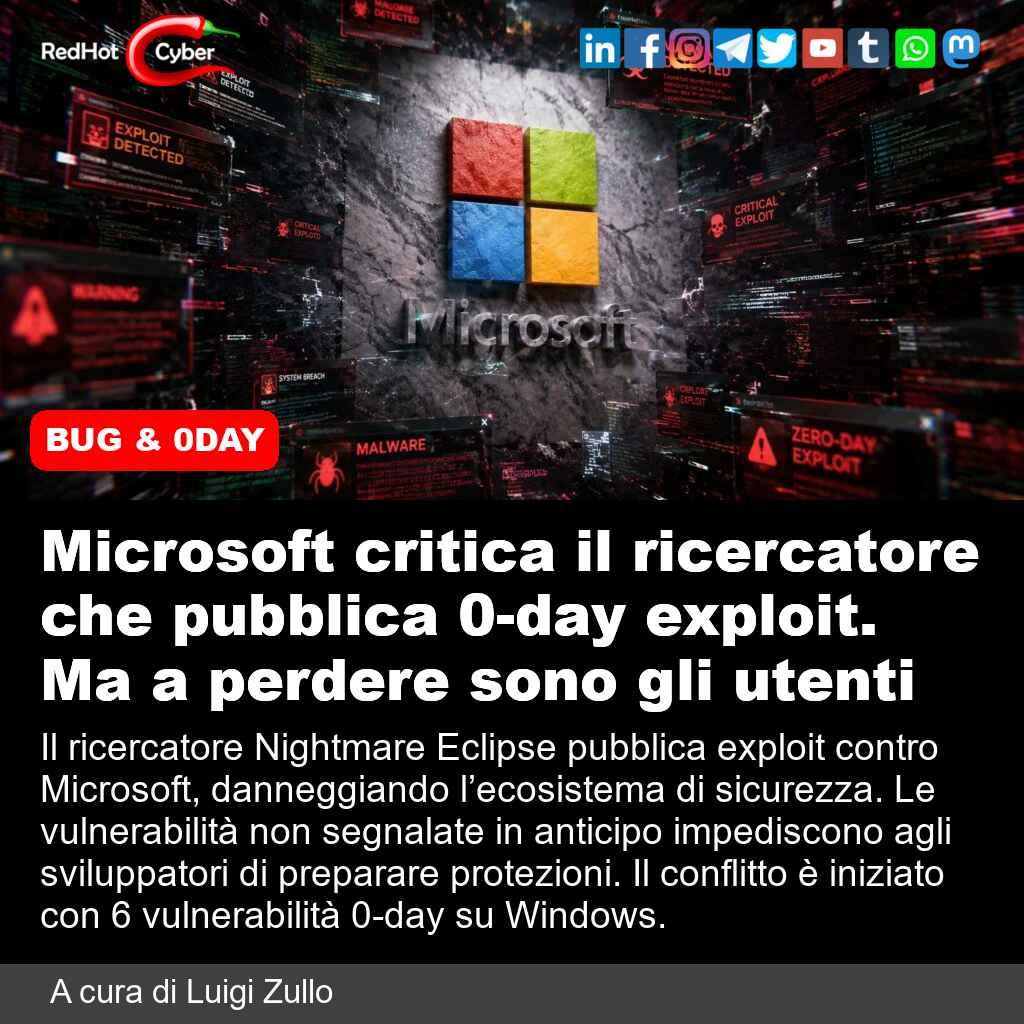
Caos Microsoft: sviluppatore bannato dopo la pubblicazione di sei exploit controversi
Notizie dall'Italia e dal mondo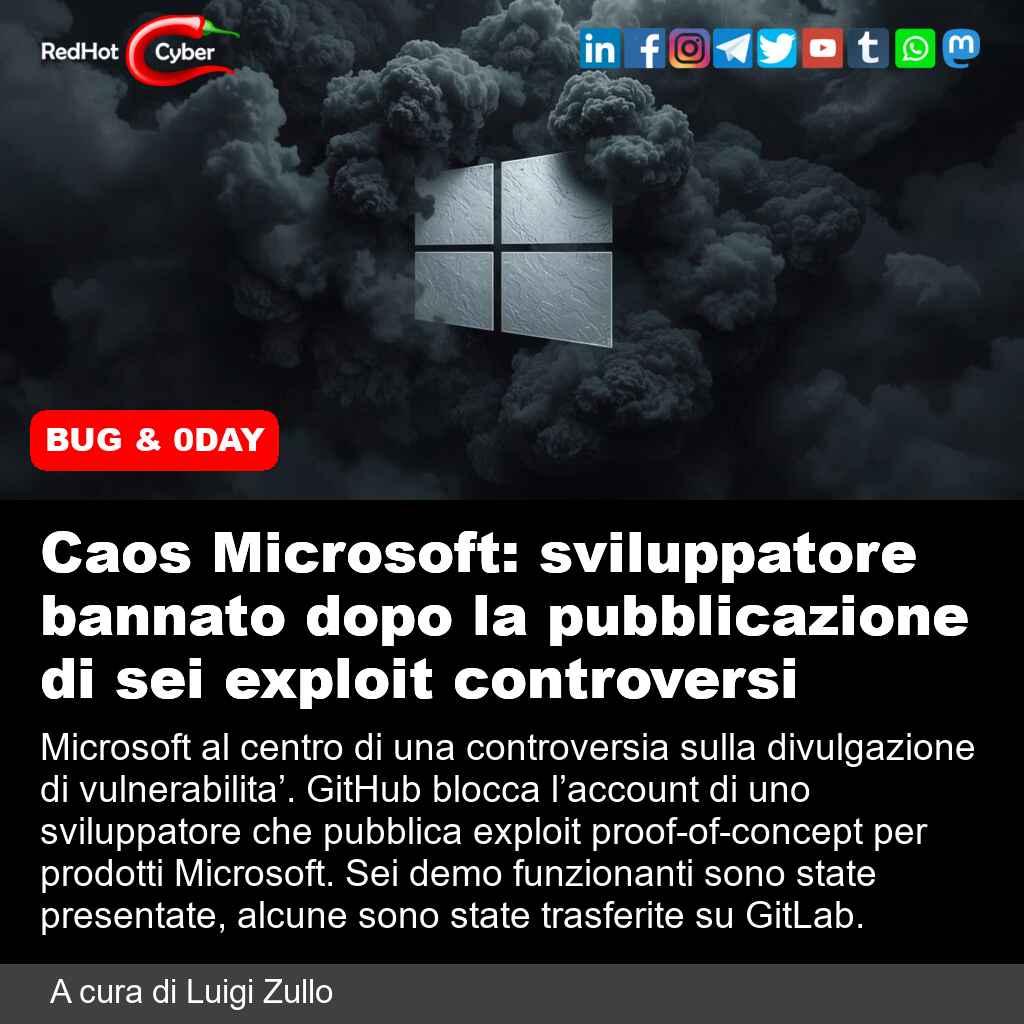 1
1
-
Microsoft spiega come difendersi da YellowKey mentre scrive la patch per lo zero-day su BitLocker
Notizie dall'Italia e dal mondo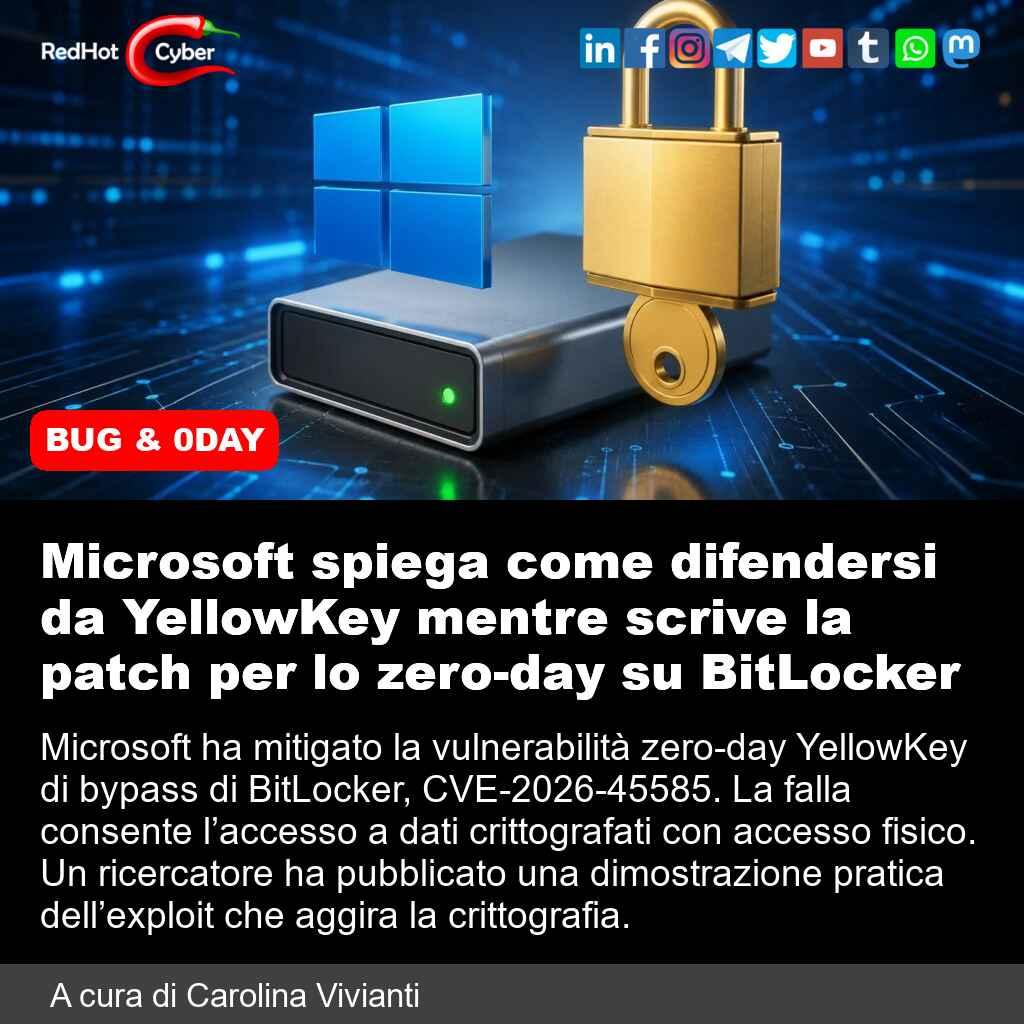 1
1
-
-
BitLocker nel mirino: pubblicati due nuovi exploit zero-day per Windows senza patch
Notizie dall'Italia e dal mondo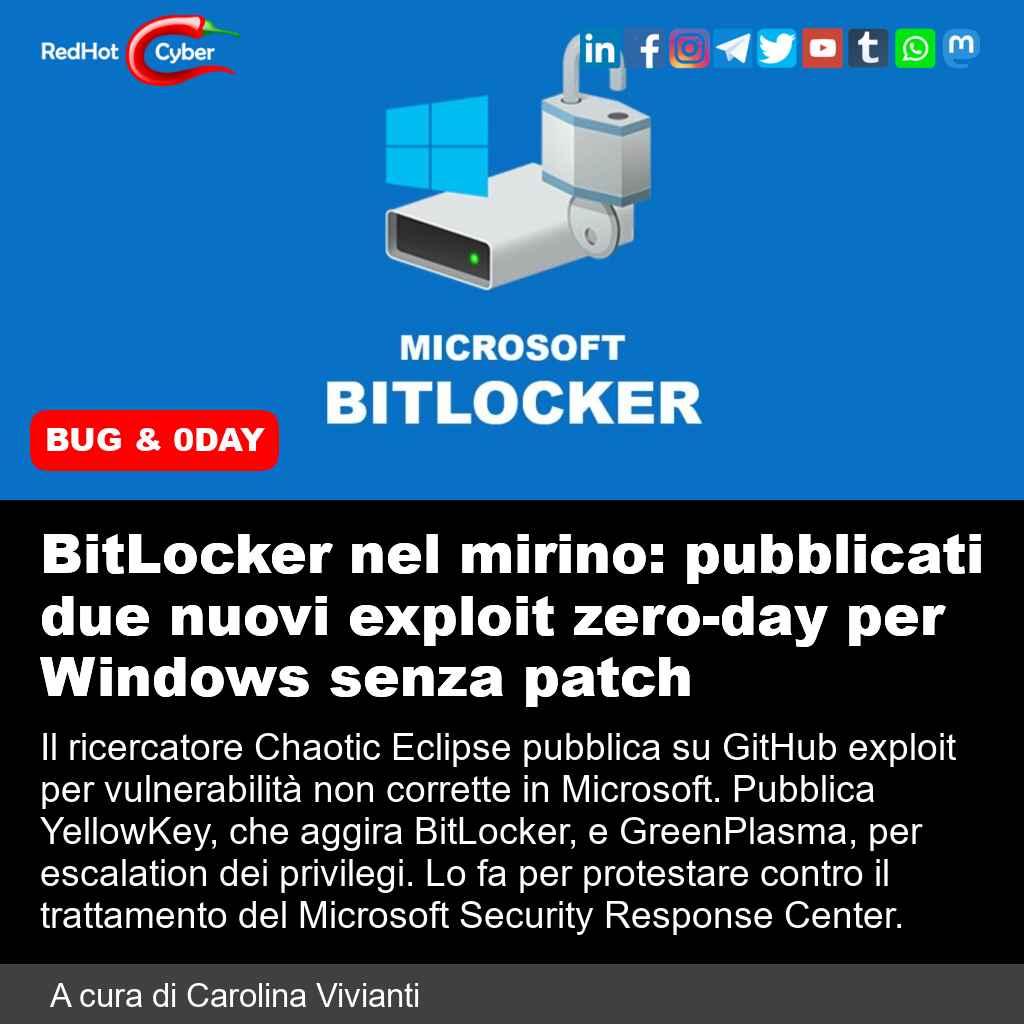 1
1
-
-
🇫🇷 La Francia dice BASTA a Windows e passa a Linux su tutti i PC dello Stato!
FediLUG Italia - il Linux User Group ufficiale del fediverso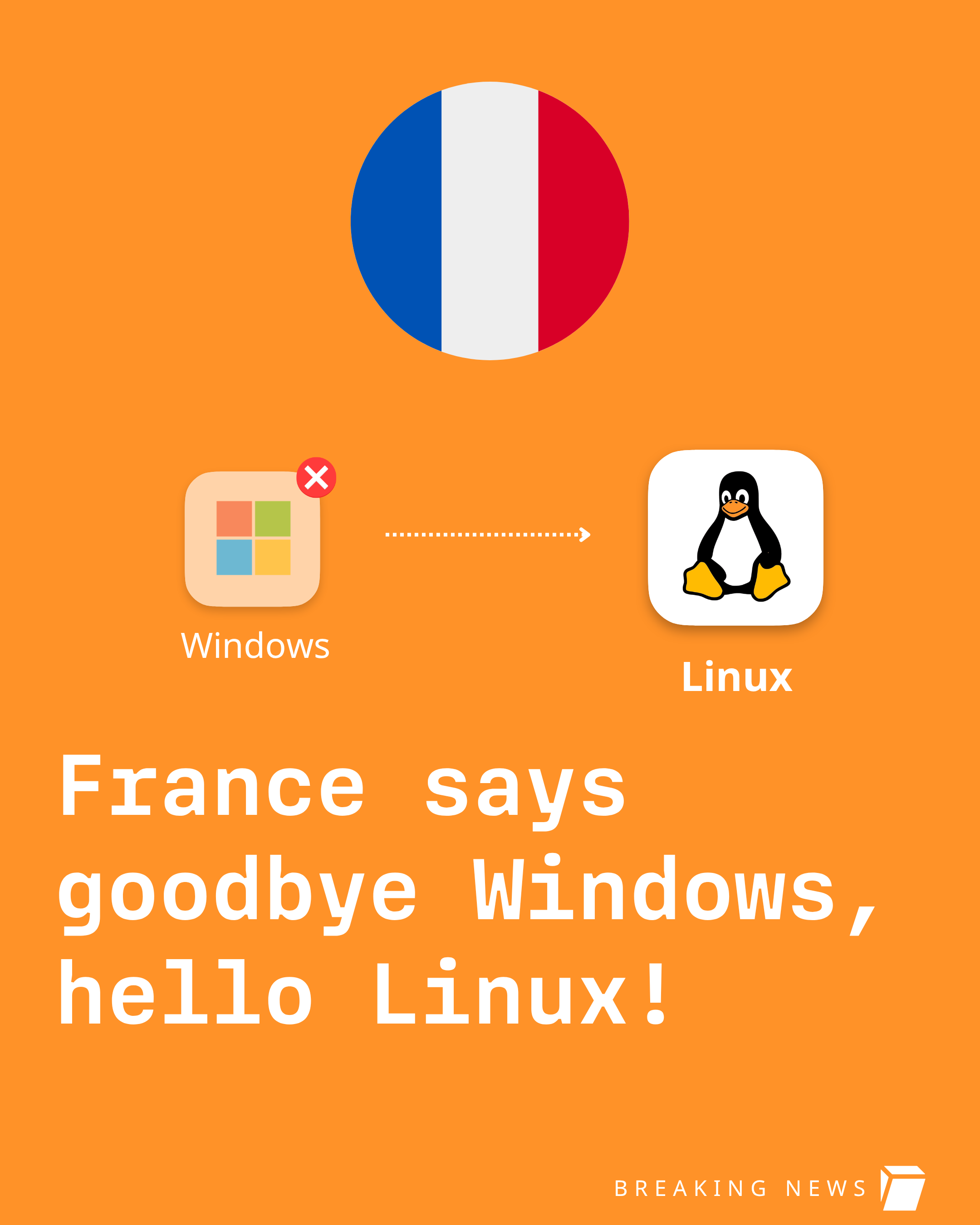 1
1






 Citiverse è un progetto che si basa su NodeBB ed è federato! | Categorie federate | Chat | 📱 Installa web app o APK | 🧡 Donazioni | Privacy Policy